


Description
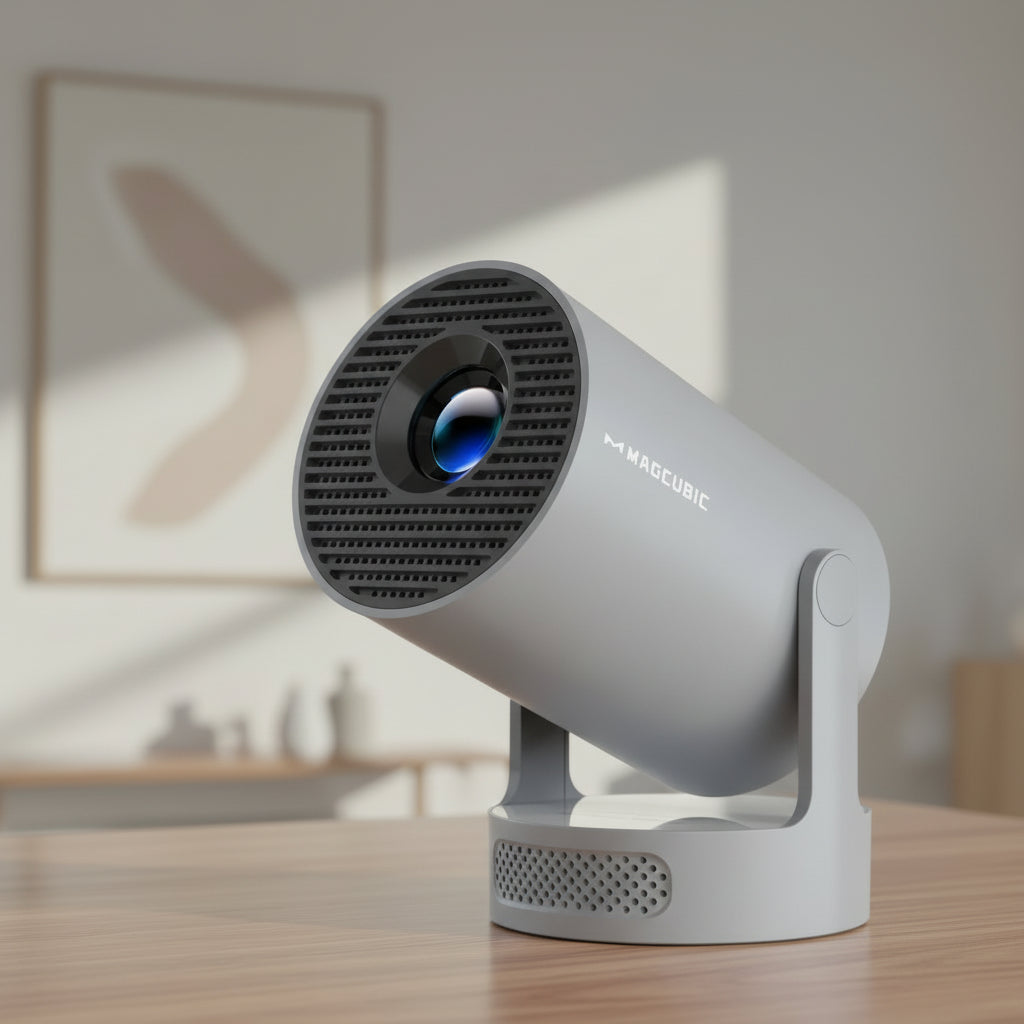
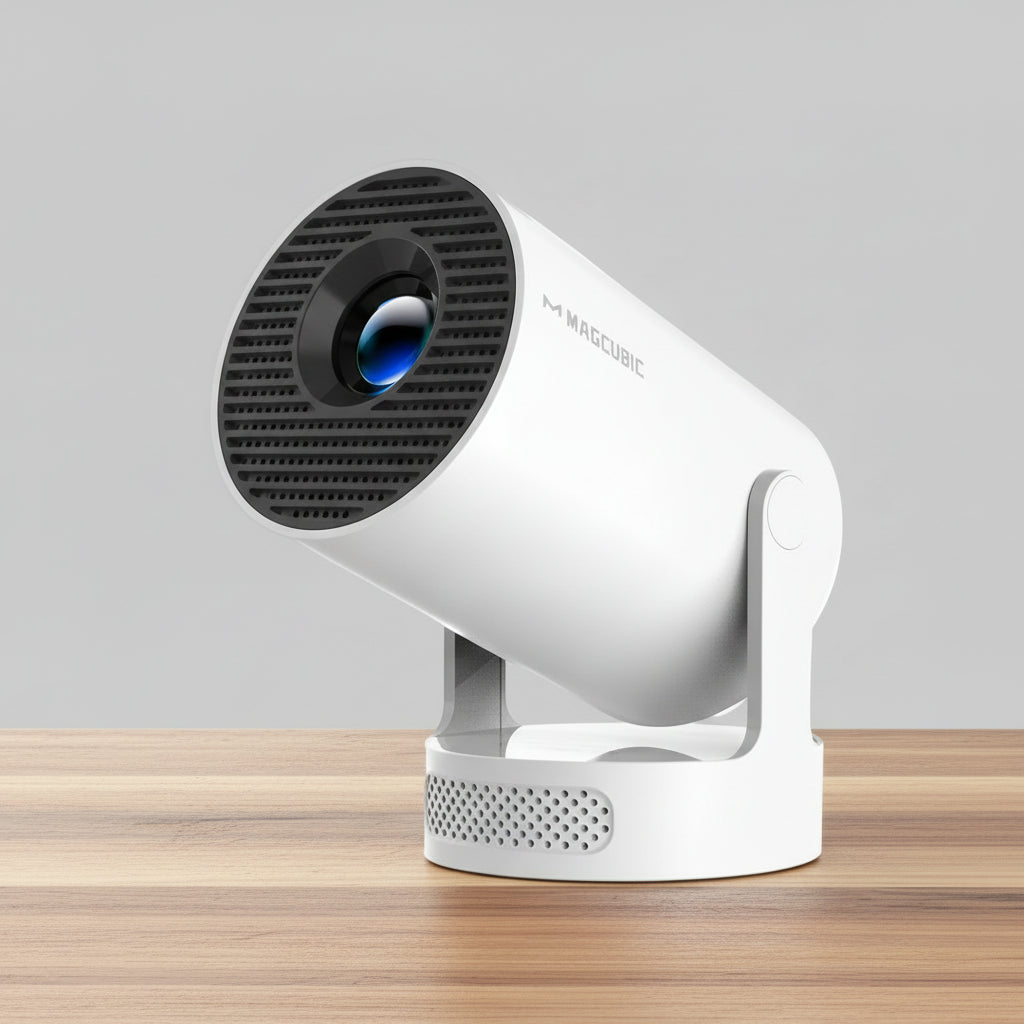
Experience big-screen entertainment anywhere with the MAGCUBIC HY300 Pro+ Portable Smart Projector.
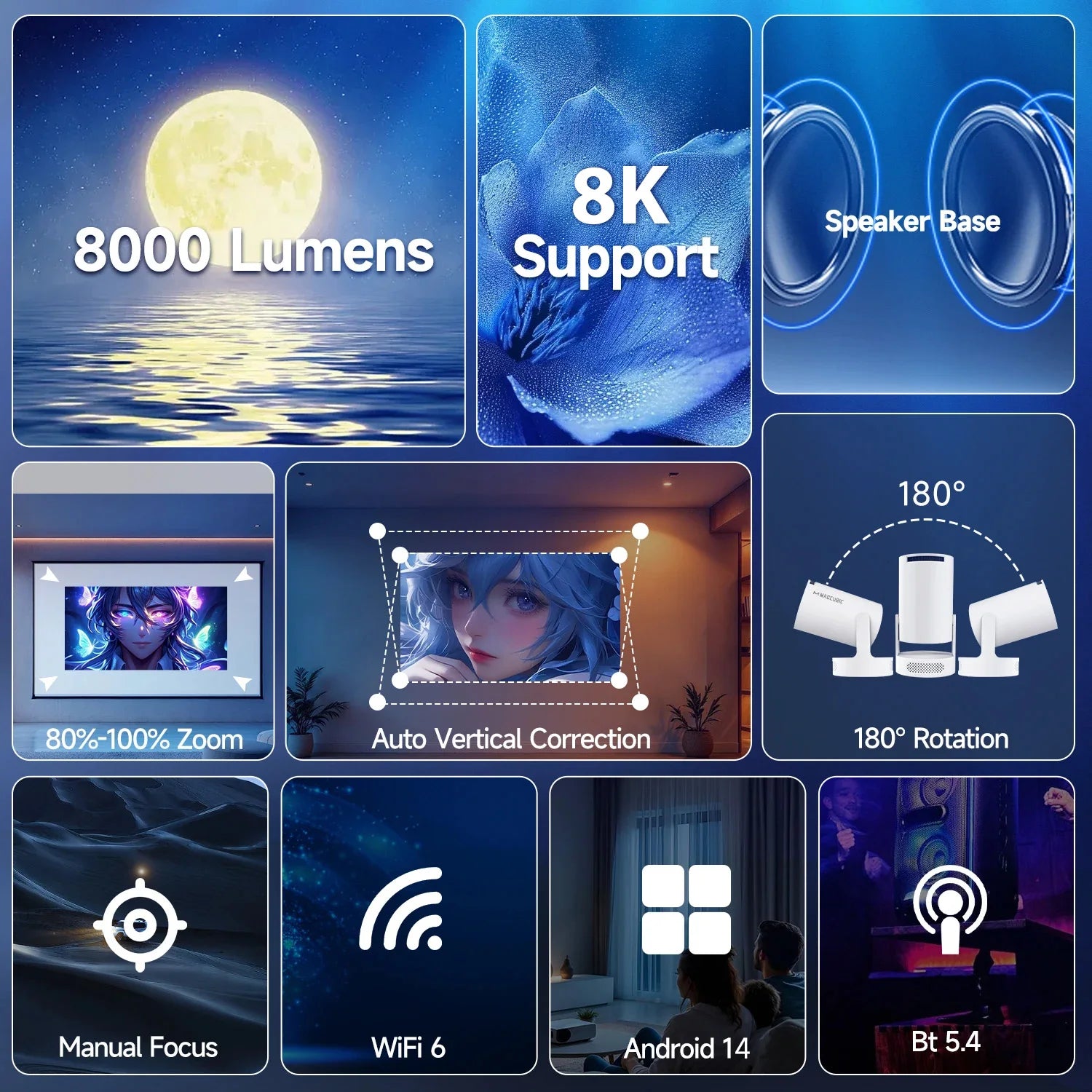
Designed for convenience and versatility, this compact projector delivers crisp 720P resolution with support for 1080P, 4K, and even 8K video decoding.
With built-in Android 14, you can stream your favourite content directly from your iPhone or Android phone apps like YouTube and Netflix without needing extra devices.
Its WiFi 6 connectivity ensures smooth streaming, while Bluetooth 5.4 allows easy pairing with external speakers for enhanced audio.
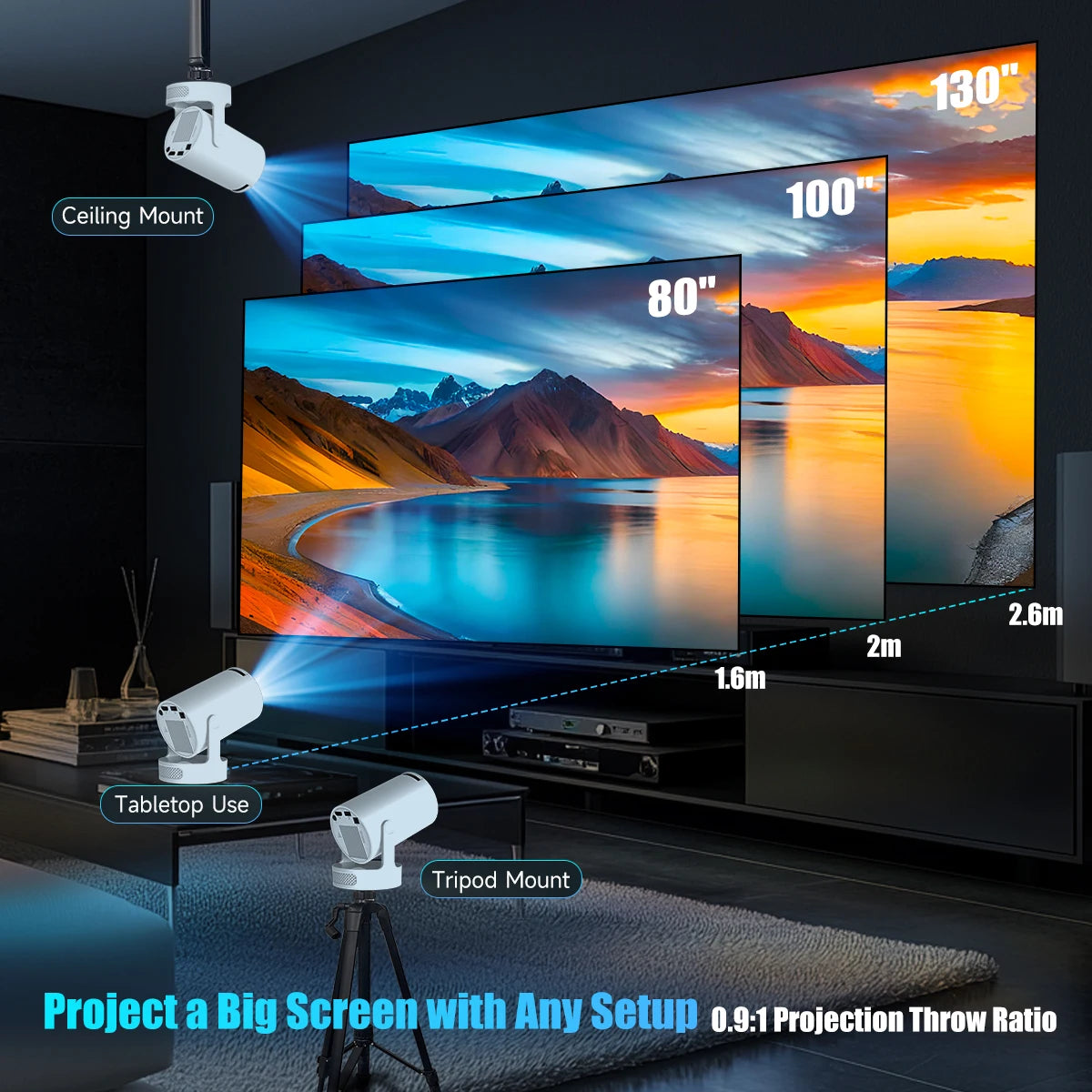
Perfect for home cinema, outdoor movie nights, or bedroom viewing, this lightweight projector offers flexible projection angles and effortless setup.
SPECIFICATIONS
- Brand Name: MAGCUBIC
- Model: HY300 Pro+
- Native Resolution: 1280 × 720 (720P)
- Supported Resolution: 1080P / 4K / 8K decoding
- Brightness: 290 ANSI Lumens
- Light Source: LED
- Contrast Ratio: 3000:1–4000:1
- Projection Size: 40–200 inches
- Projection Distance: 1.2–4 metres
- Aspect Ratio: 16:9
- Operating System: Android 14
- Connectivity: WiFi 6, Bluetooth 5.4
- Input/Output: HDMI, USB
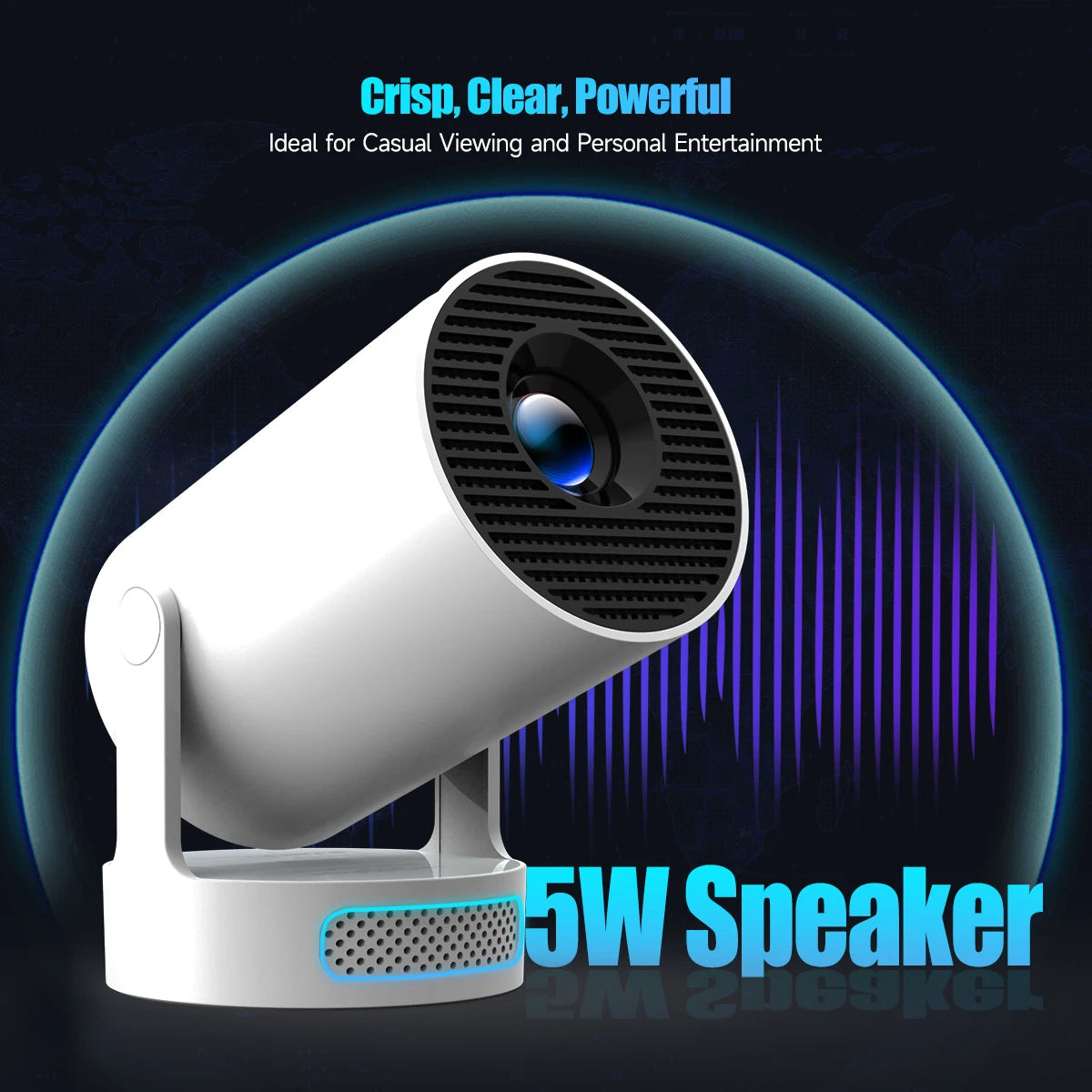
- Speaker: Built-in 5W speaker
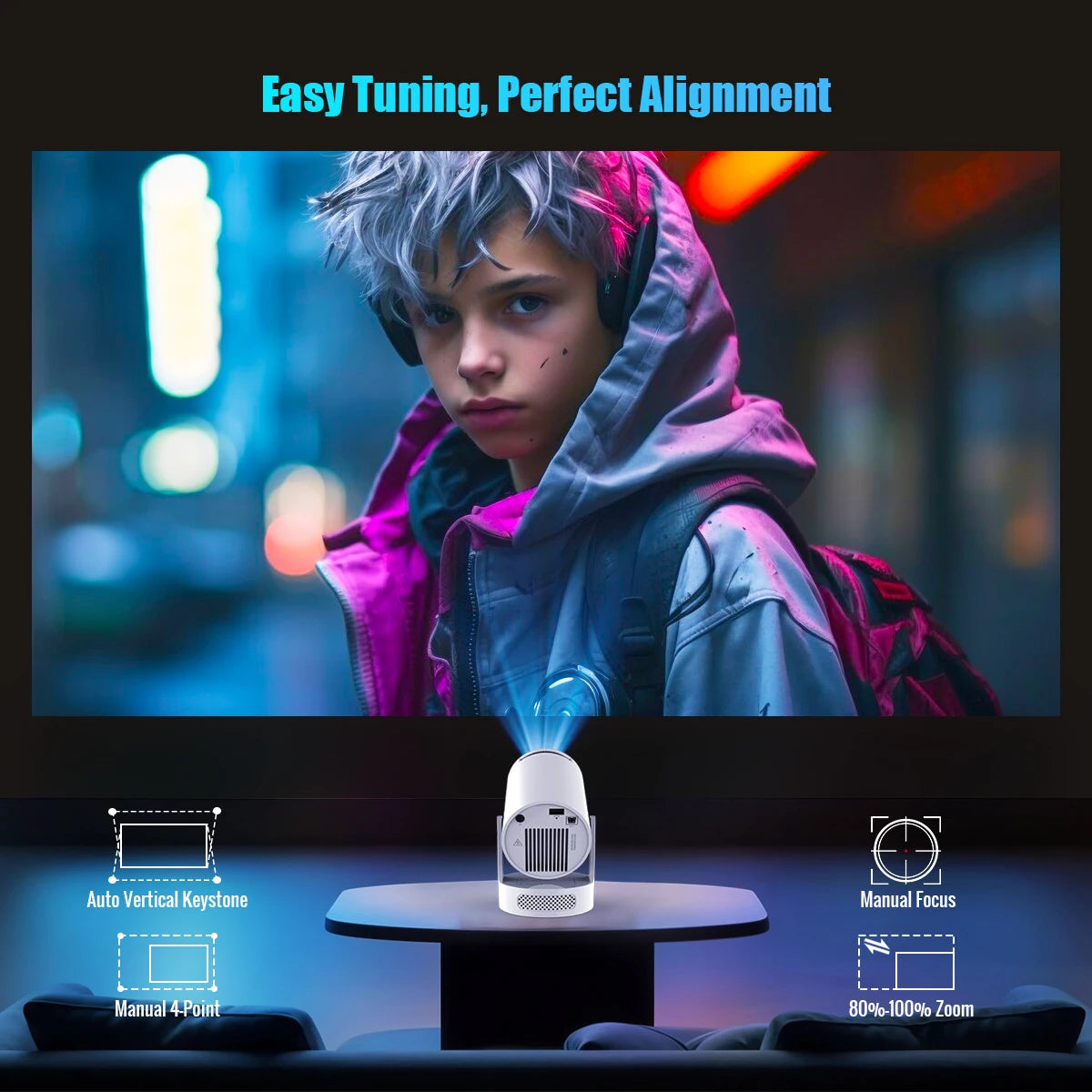
- Keystone Correction: Auto vertical and manual adjustment
- Focus: Manual focus
- Projection Angle: 180° rotation
- Power Source: DC
- Weight: Approx. 0.7 kg
- Portability: Compact and lightweight design
PHONE CONNECTIVITY & SMART CONTROL
The MAGCUBIC HY300 Pro+ makes it easy to connect and control your projector directly from your smartphone, whether you are using an iPhone or Android device.
iPhone (iOS) Connection
You can wirelessly mirror your iPhone screen using AirPlay. Simply ensure both your iPhone and projector are connected to the same WiFi network, open the built-in screen mirroring feature on your iPhone, and select the projector. For enhanced functionality, you can install an app such as AirPin on the projector (if not pre-installed) to improve compatibility.
To use your iPhone as a remote control, third-party apps like tranScreen allow you to navigate menus, control playback, and cast media directly from your phone.
Android Connection
Android users can connect using built-in screen casting (Miracast or Cast). Open the “Cast” or “Smart View” option on your phone, select the projector, and your screen will mirror instantly.
For remote control functionality, the TranScreen app is widely recommended. It turns your Android phone into a touchpad-style remote, allowing you to control apps, settings, and media playback directly from your device.
Apps for Remote Control & Casting
- TranScreen: A popular app for both Android and iOS that enables wireless casting and full remote control functionality
- AirPin: Used mainly for iPhone compatibility to enable AirPlay mirroring
- Built-in Screen Cast: Works without apps for basic mirroring on both Android and iPhone
Enjoy cinema-style viewing wherever you go with the MAGCUBIC HY300 Pro+.
Whether you are streaming indoors or hosting an outdoor movie night, this projector offers impressive performance at an affordable price.
Order now and transform any space into your personal theatre.